
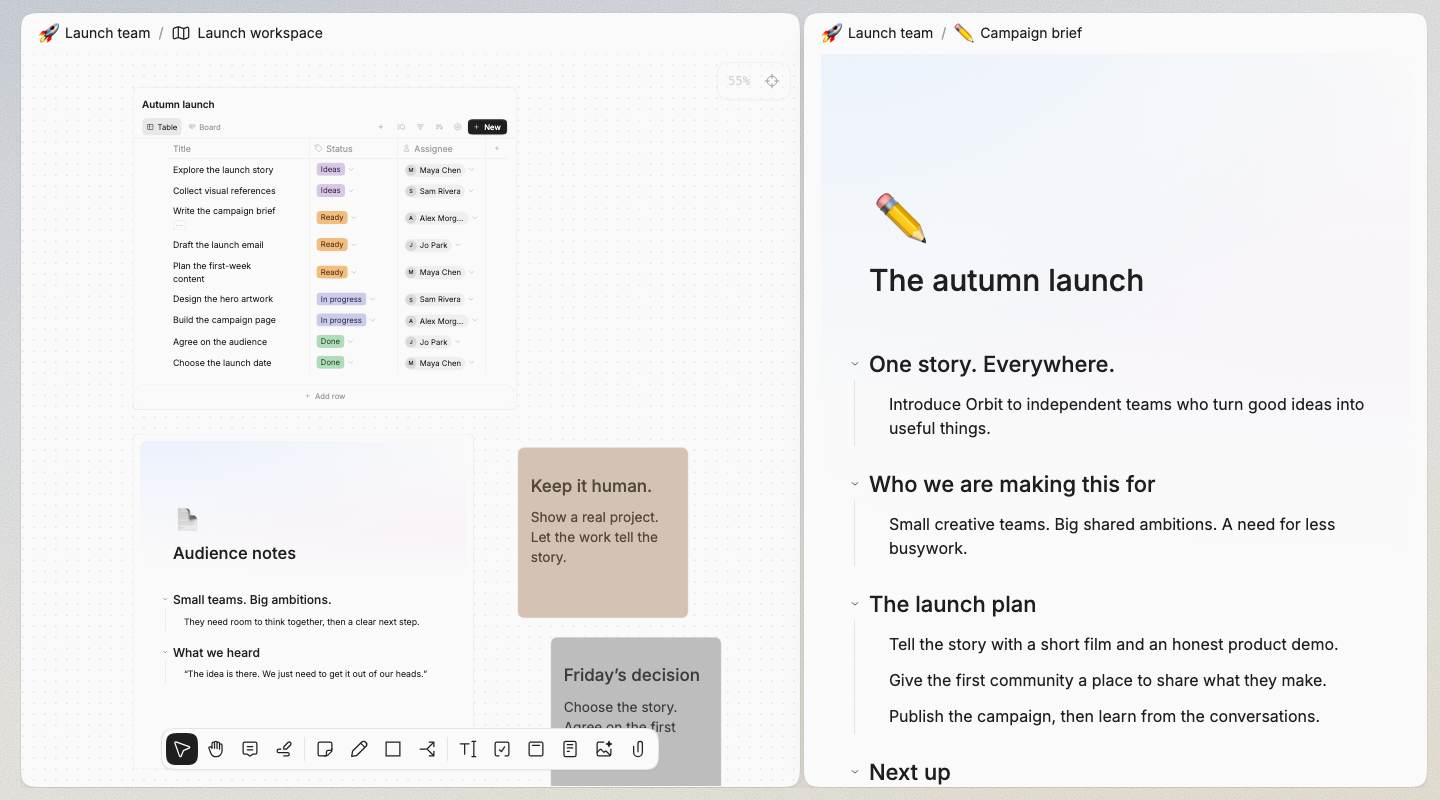
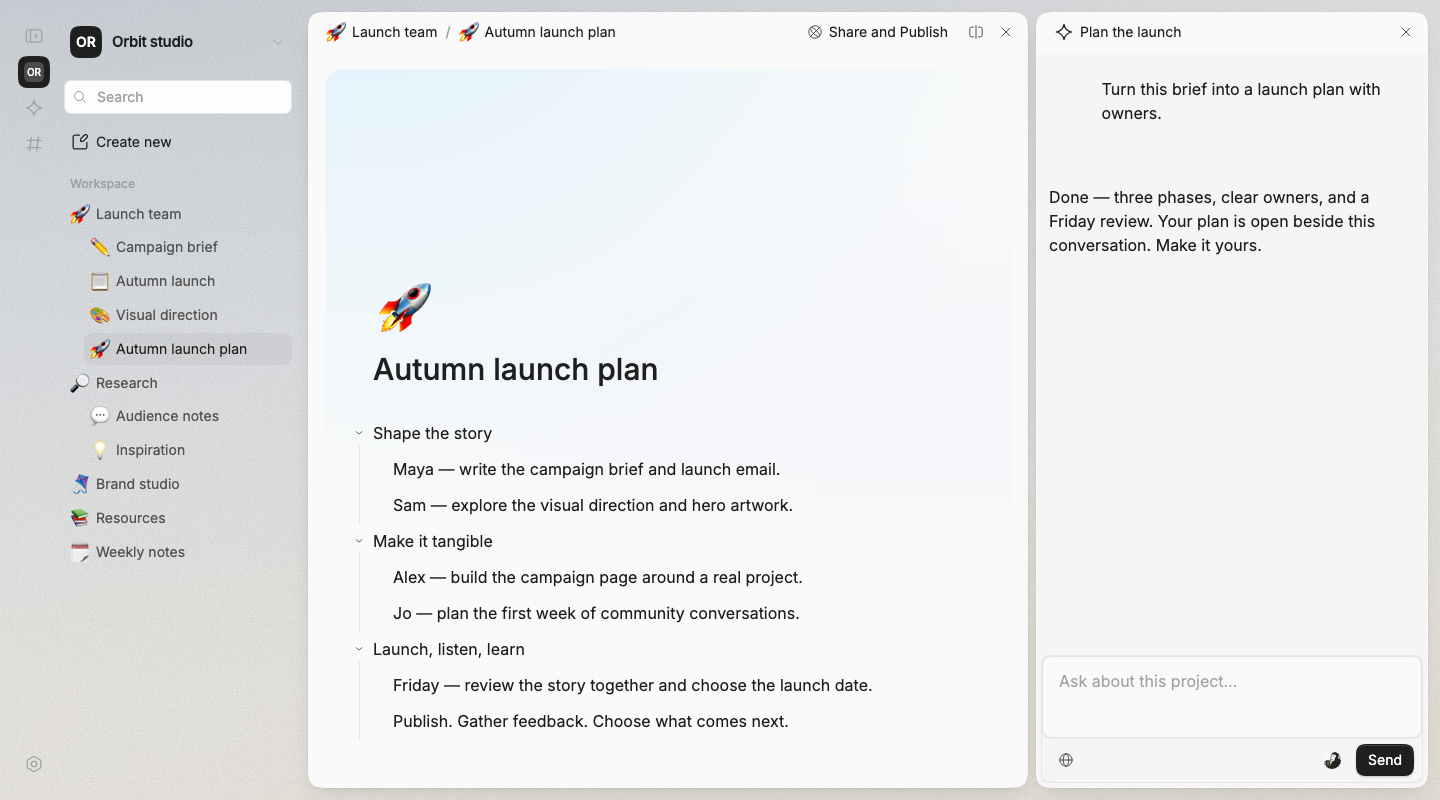
“Build a plan
from these notes.”
An editable document in your workspace. Ready for the next round of thinking.
 integrity
A shared workspace for people and AI.
Documents, canvases, and project boards.
AI builds with you. Your team takes it further.
Start with
what you have.

Bring your rough notes, meeting conversations, and half-formed ideas. Ask AI to help shape them into something you can work on.
Then edit it yourself, bring in the team, and keep going.
Start your next projectWrite when you need clarity. Spread things out when you need perspective. Add structure when it's time to move.
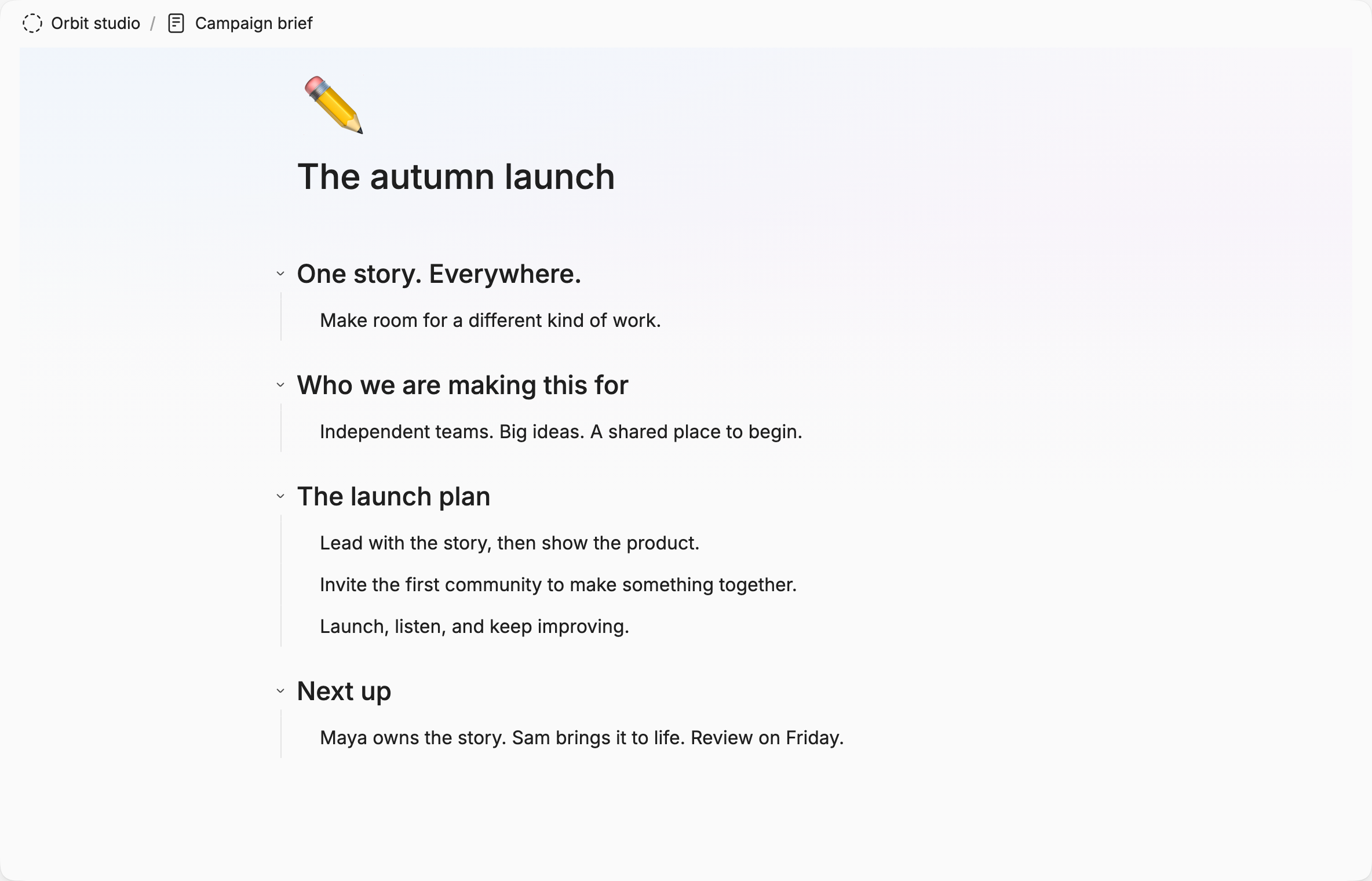
Start with an outline. Nest ideas, rearrange sections, and write together in the same document.
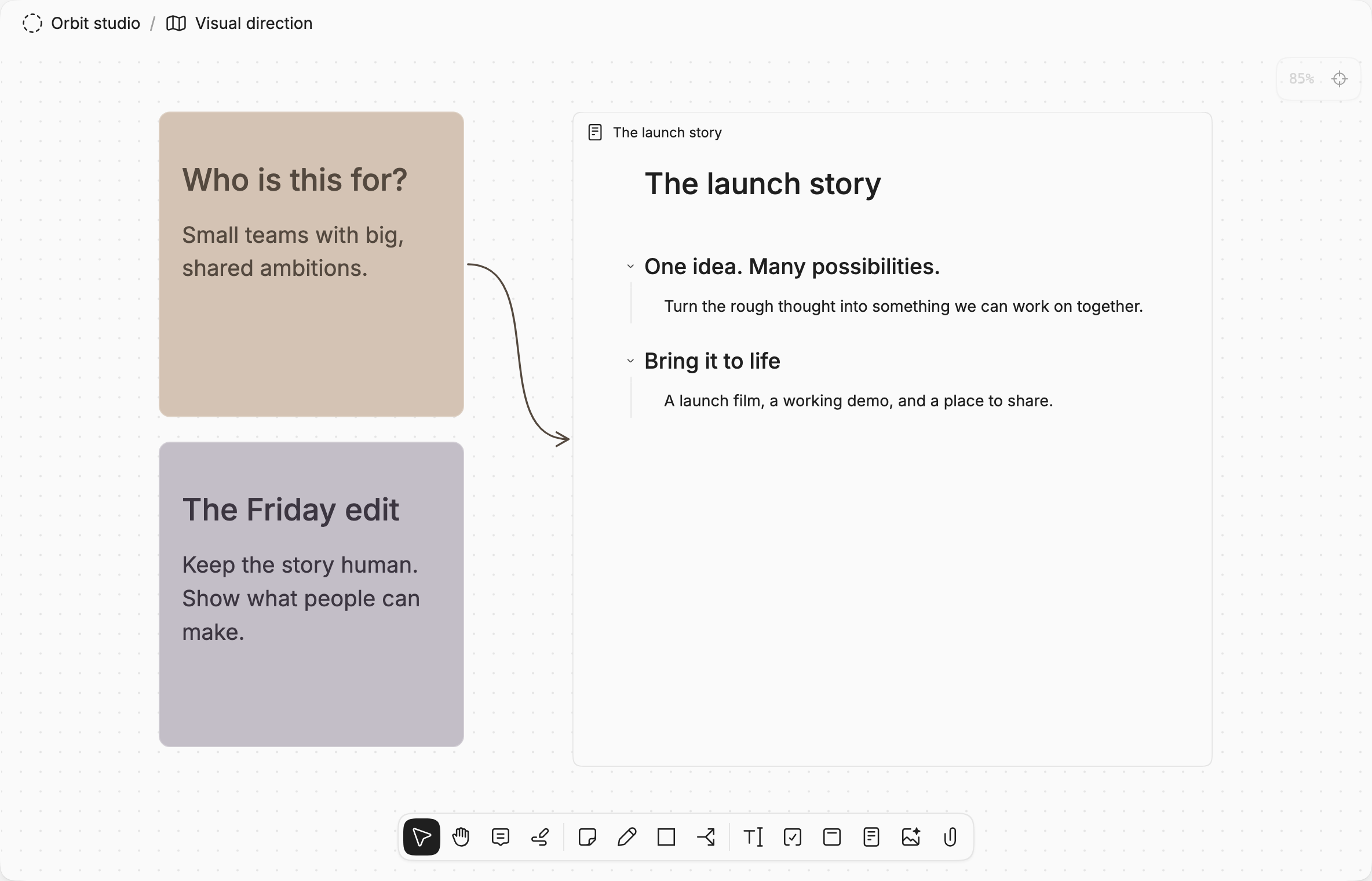
Arrange notes and whole documents side by side. Map a process, explore possibilities, and connect the pieces.
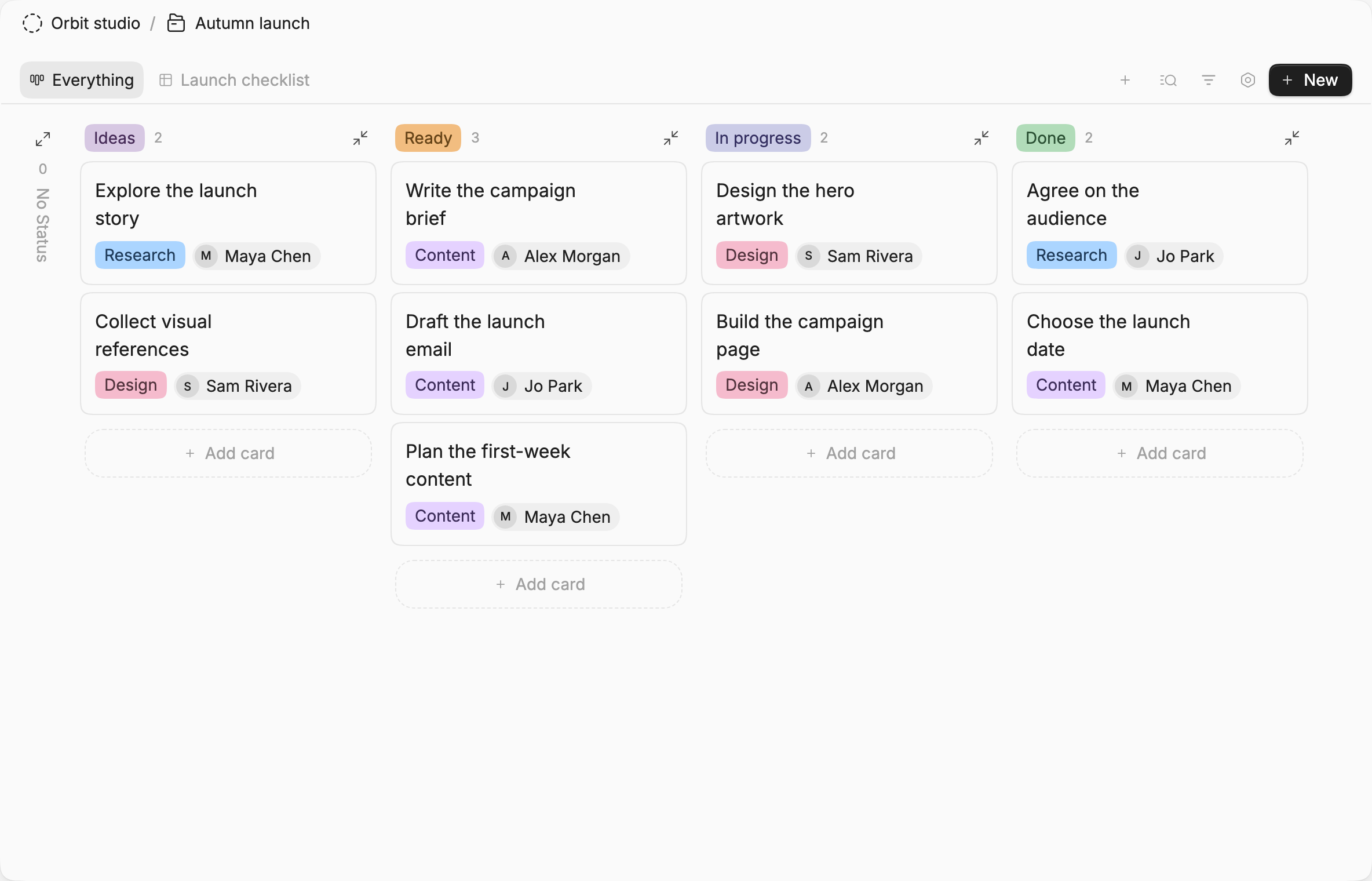
See the same records as a table, board, or calendar. Track the project without separating it from the thinking behind it.
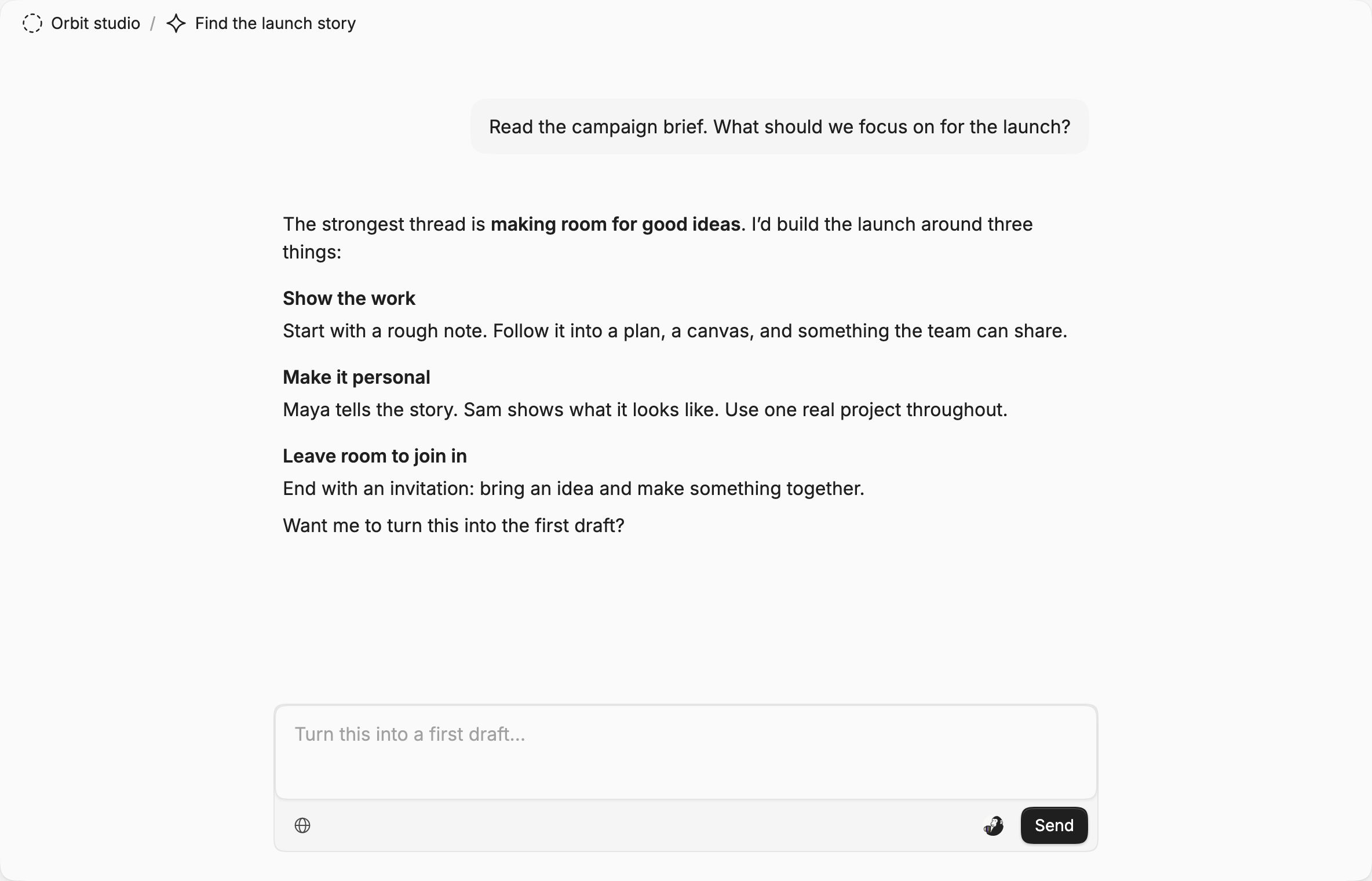
Ask questions with your project in context. Work through an idea, then ask AI to turn it into something you can edit.
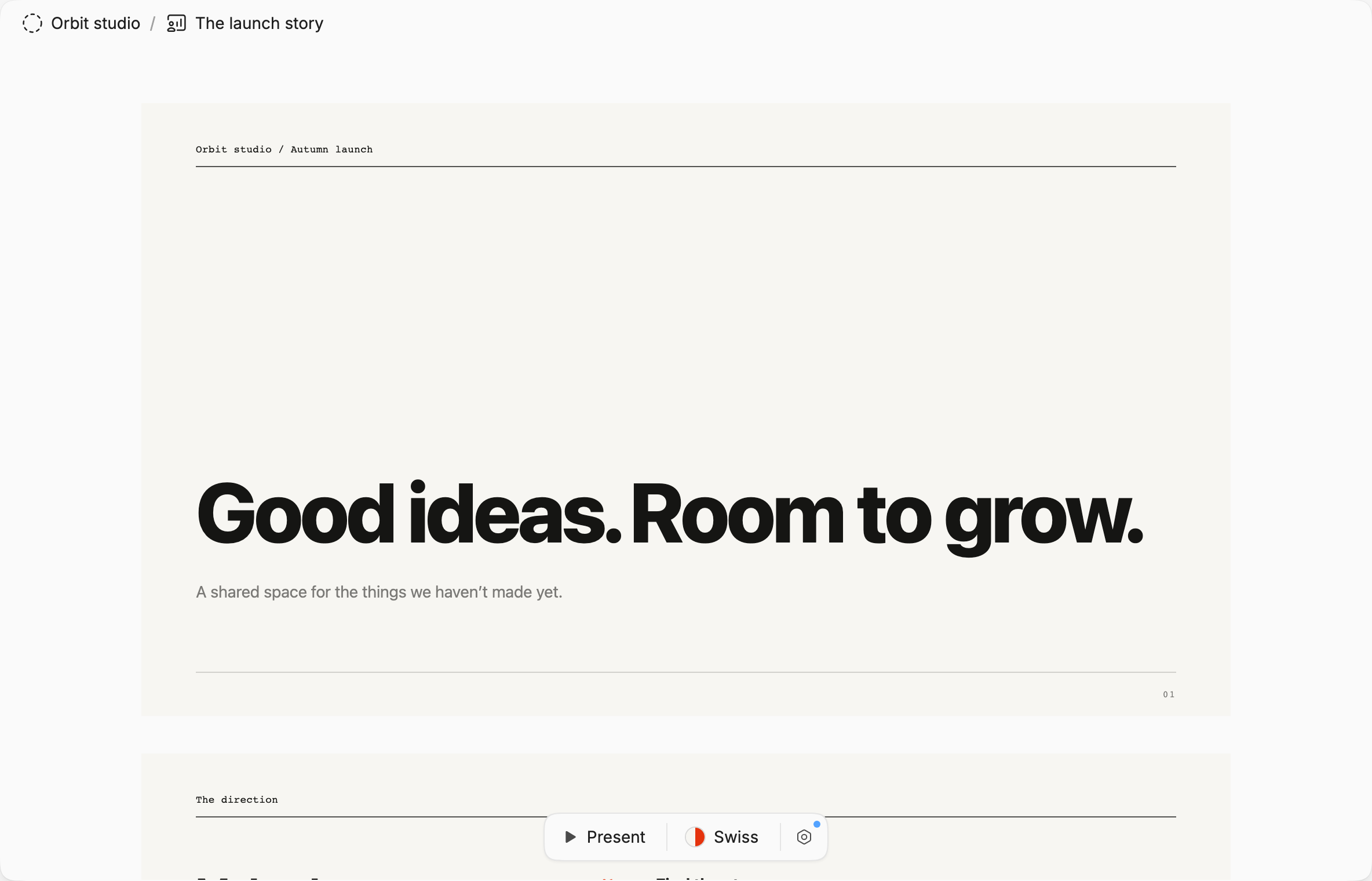
Turn the work into a presentation. Edit the words, change the look, and present your story without leaving the workspace.
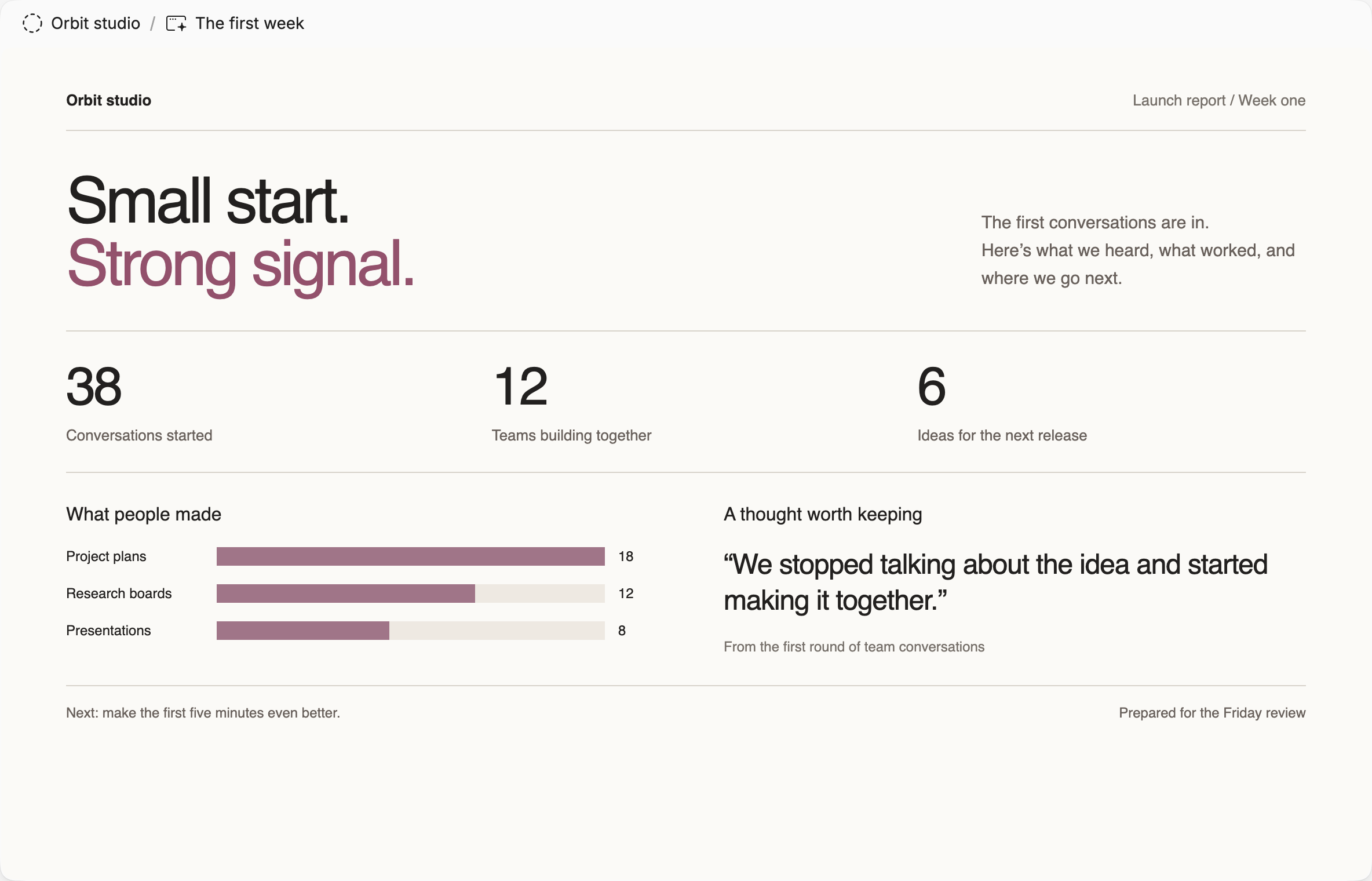
Ask AI to build a custom report, dashboard, or website from your work. Refine it in the workspace, then publish a link to share.
AI can read your notes and change the work itself. Ask for a draft, a board, or a different perspective. Then keep shaping it together.
An editable document in your workspace. Ready for the next round of thinking.
A deck built from the work you've already done. Ask for changes, or edit the content yourself.
Put recurring work on a schedule. The agent runs it and reports back.
Ask in the app. Pick it up from Telegram.
The same workspace is there when you need it.
Ask on your way home. Make sense of a long PDF. Leave a meeting with a plan. It all stays in your workspace.
Generate images and videos right in your workspace. Create a cover, edit an illustration, or bring an idea to life in a clip.
Ask questions, send a voice note, and put your assistant to work without opening another app.
Connect services through MCP. Let AI find information and take action across the tools your team uses.
Record, transcribe, and turn the conversation into notes you can keep working on.
Read and annotate PDFs and books. Highlight a passage, add a note, or ask AI to help you understand it.
Talk through your project with AI. Ask a question or ask it to make a change, out loud.
Publish a document, canvas, or presentation for people outside your workspace.
Bring notes from Notion, Obsidian, or Workflowy via Markdown. Export your work as Markdown whenever you want.
And plenty more.

The person with the idea. The teammate with the questions. The one who makes it better. Give everyone a place in the work.
Everyone is included. Choose the AI credits, storage, and features your work needs.
A starting point for everyone.
$0/ month
Free forever
Start freeRoom for the everyday work.
$10/ month
$120 billed yearly / workspace
Get StarterMore capacity to create.
$40/ month
$480 billed yearly / workspace
Get ProFor a bigger body of work.
$200/ month
$2,400 billed yearly / workspace
Get TeamBuy extra AI credits on any plan. Purchased credits never expire.
Still one bill. Invite everyone, including on Free. Your workspace shares its AI credits and storage; adding another person never adds a seat charge.
The work your workspace does: AI usage and space for your files. Higher plans give you more credits, storage, and history, plus extra features. The price doesn’t grow with your team.
Credits cover the AI work you ask for: answering questions, drafting documents, generating images, and more. The amount used depends on the model and the size of the task. Everyone in your workspace shares one balance. Writing, editing, and collaborating without AI don’t use credits.
Then write. Make a document, spread things out on a canvas, or organize a project with your team. You don’t have to ask AI for permission—or use it at all. Editing things yourself doesn’t spend AI credits.
Your documents and manual editing are still there. If you have purchased credits, AI uses those next. Otherwise, buy a top-up or wait for your next monthly allowance. Included credits reset each month; purchased credits never expire.
Yes. On Starter and above, connect services through MCP so your assistant can use the tools they provide. Find an issue in Linear, look up a page in Notion, and bring the useful parts into your project.
No. Start with one project. When you’re ready, bring in a Notion export or a folder of Markdown notes. You can also export your workspace as Markdown, so your work stays portable.
Yes. Publish a document, canvas, or presentation and send the link. They can open the public page without an Integrity account. Unpublish it when you’re done sharing.
Your next idea has a home.
Unlimited teammates.
Even on Free.
 Telegram